Charge-Out Rate Calculator
Easily Calculate Your Charge-Out Rate Below.
Need help? Check out our Charge-Out Rate Guide!
Related tools and pricing guides

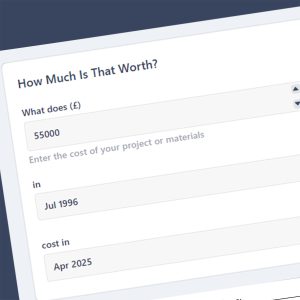

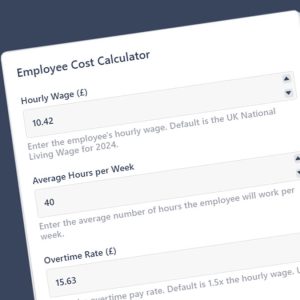
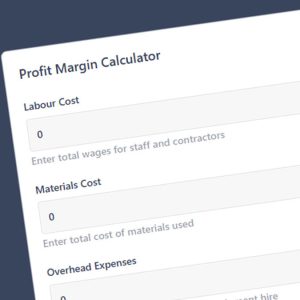
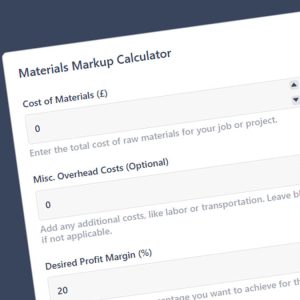
Local preview · no sending
Local preview. Use synthetic details only. Sending and file selection are disabled. The sample preview uses separate fixed details. Your entries stay in this browser.
Sample enquiry preview ready. Nothing will be sent.
FAQs
What utilisation should I use?
Many small contractors use 70% to 85% as a starting point. Remove holidays, bank holidays, sick time, training, admin and travel from total working hours to get productive hours.
Should I include overheads and profit in the rate?
Yes. Add overhead recovery per productive hour or day (vehicle, insurance, tools, office) then apply your target margin or markup to reach the selling rate.
Does the rate include travel, small tools and downtime?
Either include them within overheads or reduce utilisation to reflect non billable time. State in your quote if travel or small tools are charged separately.
Should I show rates with or without VAT?
For business to business work, price net of VAT and show VAT as a separate line. For domestic clients, display the VAT amount clearly alongside the net rate.
How do I set day and hourly rates from the calculator?
Calculate the hourly selling rate first, then multiply by your standard day length. If you allow unpaid breaks or variable site hours, adjust the day length and state any minimum call out.
